BrahmaputraMart
BrahmaputraMart — Online Commerce Experience
Online commerce, made for discovery.
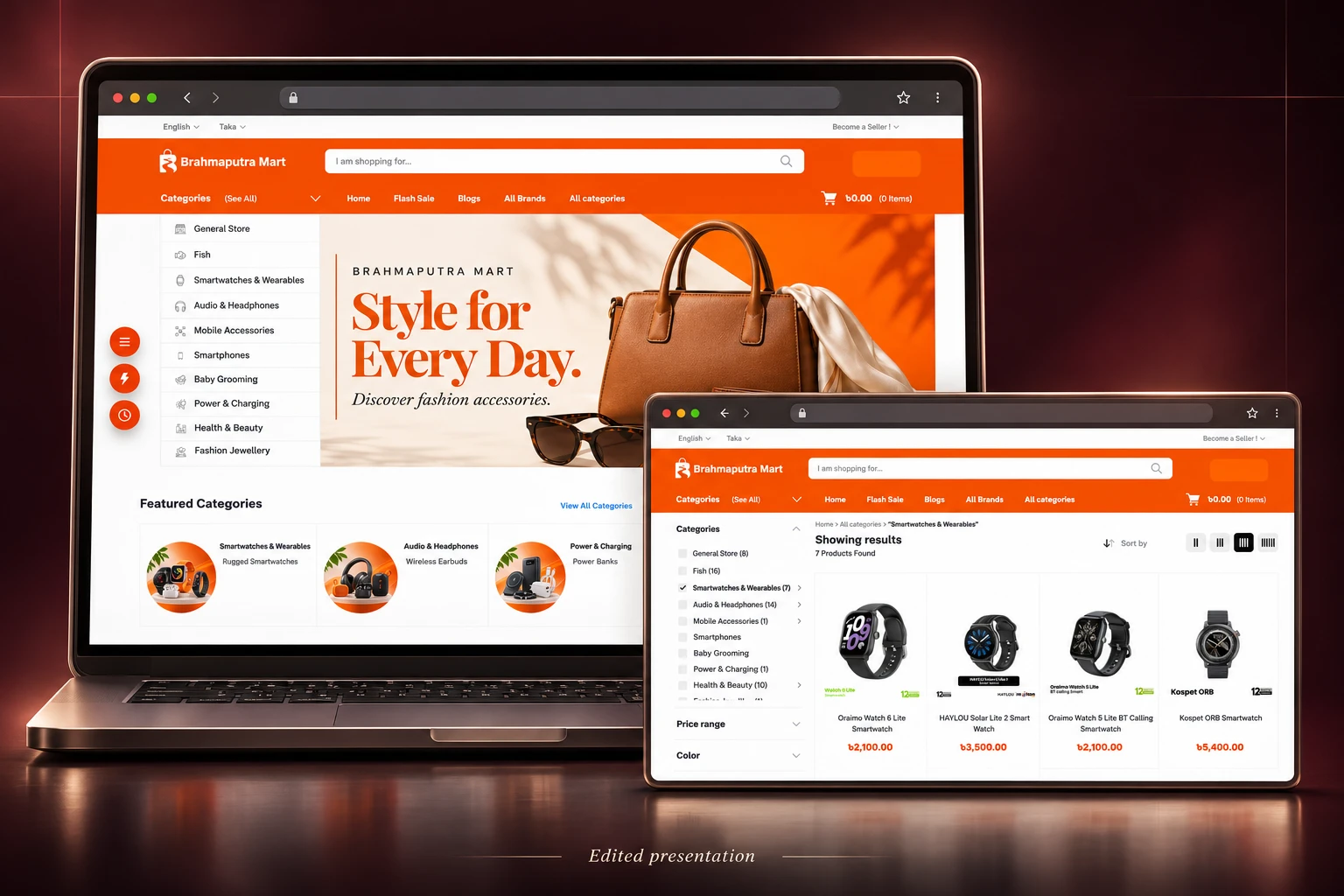
BrahmaputraMart is a live eCommerce marketplace. Customers can explore product categories and brand listings, add products to a shopping cart and use customer accounts, and the platform includes seller-related interfaces.
- Status
- Live — Publicly available and in use.
- Category
- eCommerce development · Online marketplace
- My role
- Development and customisation of the online store
(01)The problem
Theproblem.
An online marketplace has to make a large catalogue easy to explore on any device.
- 01Customers need to find products quickly across many categories and brands
- 02The path from product to cart has to feel simple on a phone
- 03Customers expect accounts to track their activity
- 04Sellers need their own interfaces to take part in the marketplace
(02)My contribution
What Idid.
- Built and customised the storefront experience
- Shaped category and brand navigation for product discovery
- Worked on the responsive customer journey across desktop and mobile
(03)Solution & architecture
How itfits together.
A storefront organised around how people browse — by category and by brand — with a short path to the cart and accounts for returning customers.
Layer 01
Discover
- Product categories
- Brand listings
Layer 02
Buy
- Product pages
- Shopping cart
- Customer accounts
Layer 03
Sell
- Seller-related interfaces
(04)Interactive walkthrough
See itwork.
The customer journey
Storefront
Arrive
Customers land on the storefront and see featured categories and brands.
Where each step happens: Storefront · Discovery · Product · Cart · Account
(05)Product gallery
Productgallery.
Screenshots coming soon
Real product screens are being prepared for this case study.
Rather than fill this space with mock-ups, it will show genuine screenshots (with demo data) as soon as they are approved. Meanwhile, you can see the live product directly.
Visit live store (opens in a new tab)- Storefront homepagedesktop · Full-page screenshot
- Category / product listingdesktop · Screenshot
- Product page and cartmobile · Screenshots
- Seller interfacedesktop · Only if approved to show
(06)Feature walkthrough
Featureby feature.
- 01Live
Product categories
Catalogue organised into browsable categories.
Public storefront
- 02Live
Brand listings
Shop by brand as well as by category.
Public storefront
- 03Live
Shopping cart
Customers collect products before checkout.
Public storefront
- 04Live
Customer accounts
Sign-in and account area for customers.
Public storefront
- 05Live
Seller interfaces
Seller-related pages for marketplace participation.
Marketplace
- 06Live
Responsive layout
The storefront adapts to desktop and mobile screens.
Public storefront
(07) Technology
Technology details will be listed here once confirmed.
Live product
brahmaputramart.com ↗(opens in a new tab)(08) Business value
- A live store customers can use on any device
- Discovery by category and by brand
- A marketplace model with seller participation
Verified outcomes
Measured outcomes will be published here once verified — no estimates or invented numbers.
Related work
- 06Case studies in preparationWebsitesWebsite development & custom web solutionsIllustration · not a screenshot
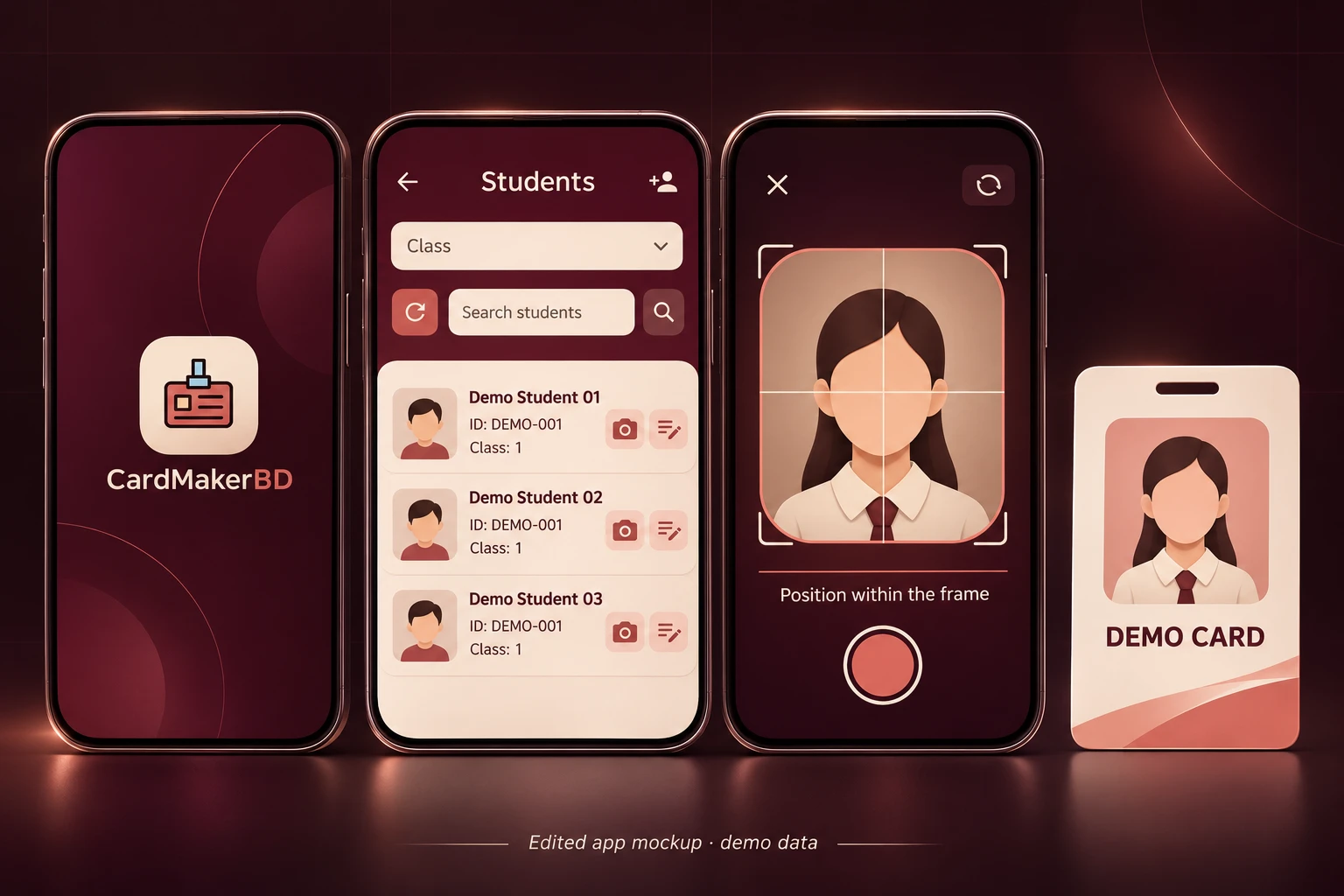
- 02LiveCardMakerBDMobile-first ID card automation & print fulfilment platform
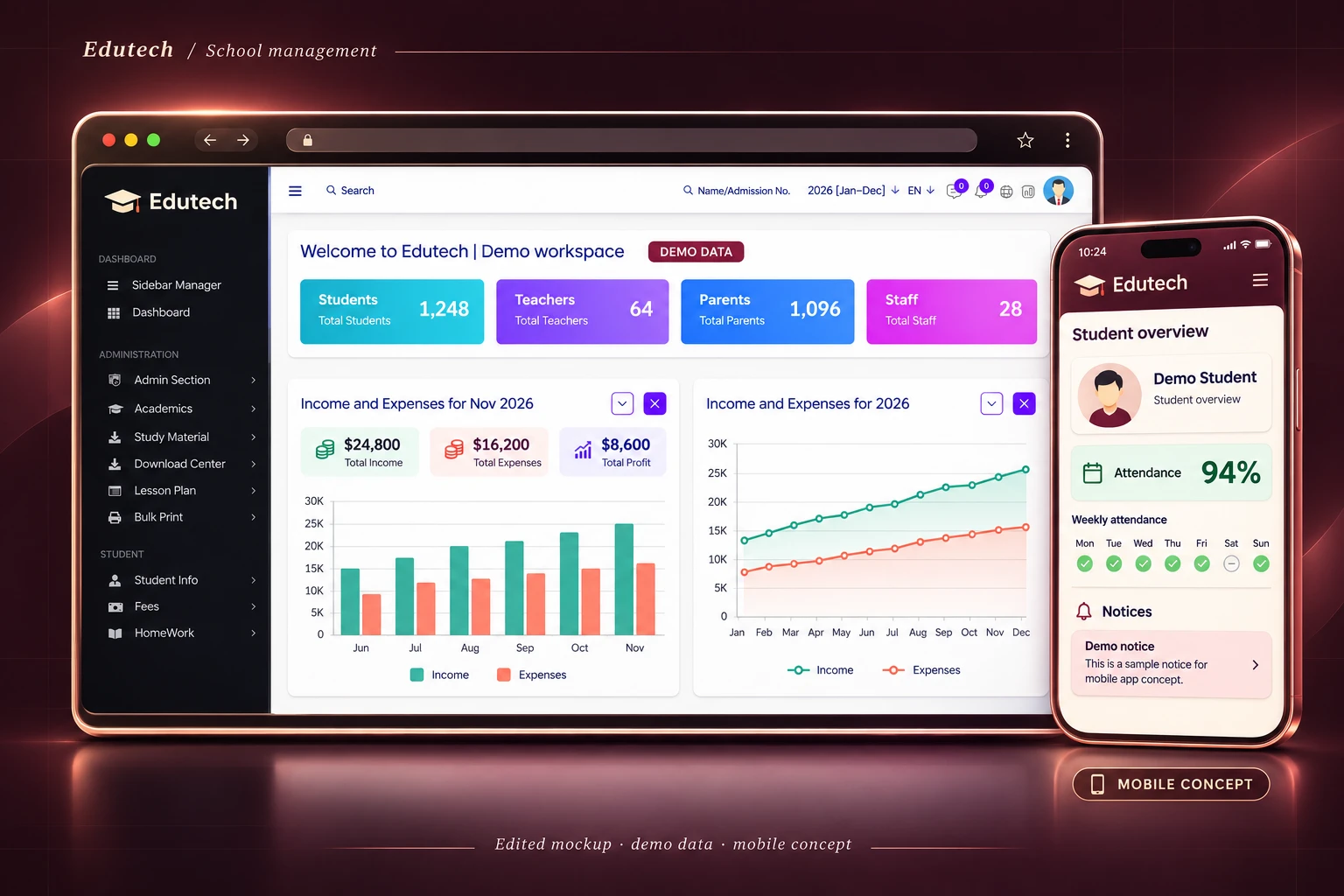
- 03In developmentEdutechSchool website, school management system & smart campus
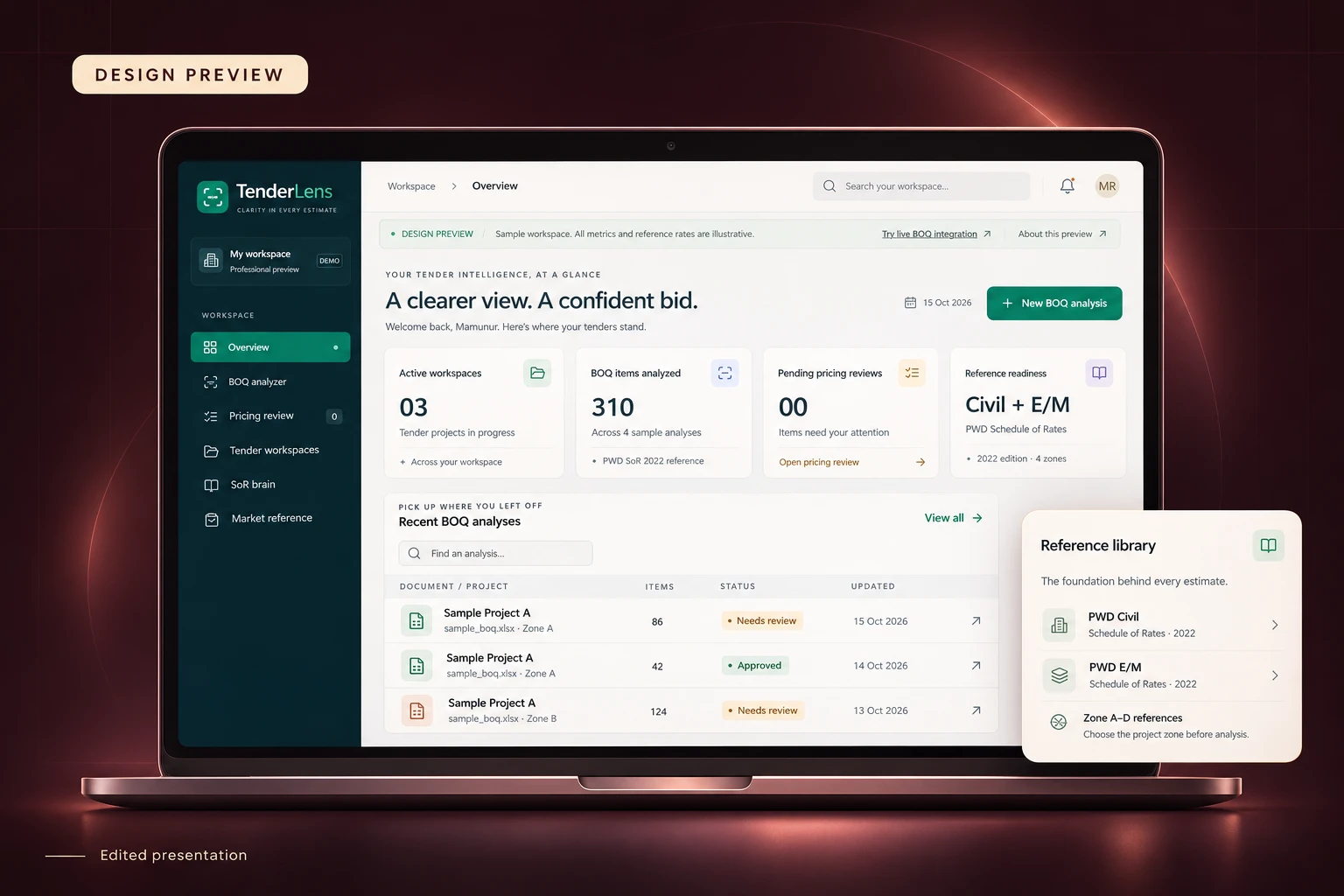
- 04In developmentTenderLensBOQ pricing intelligence for engineering estimation
- 05Internal tooleGP AutomationProcurement workflow automation for engineering tendersIllustration · not a screenshot
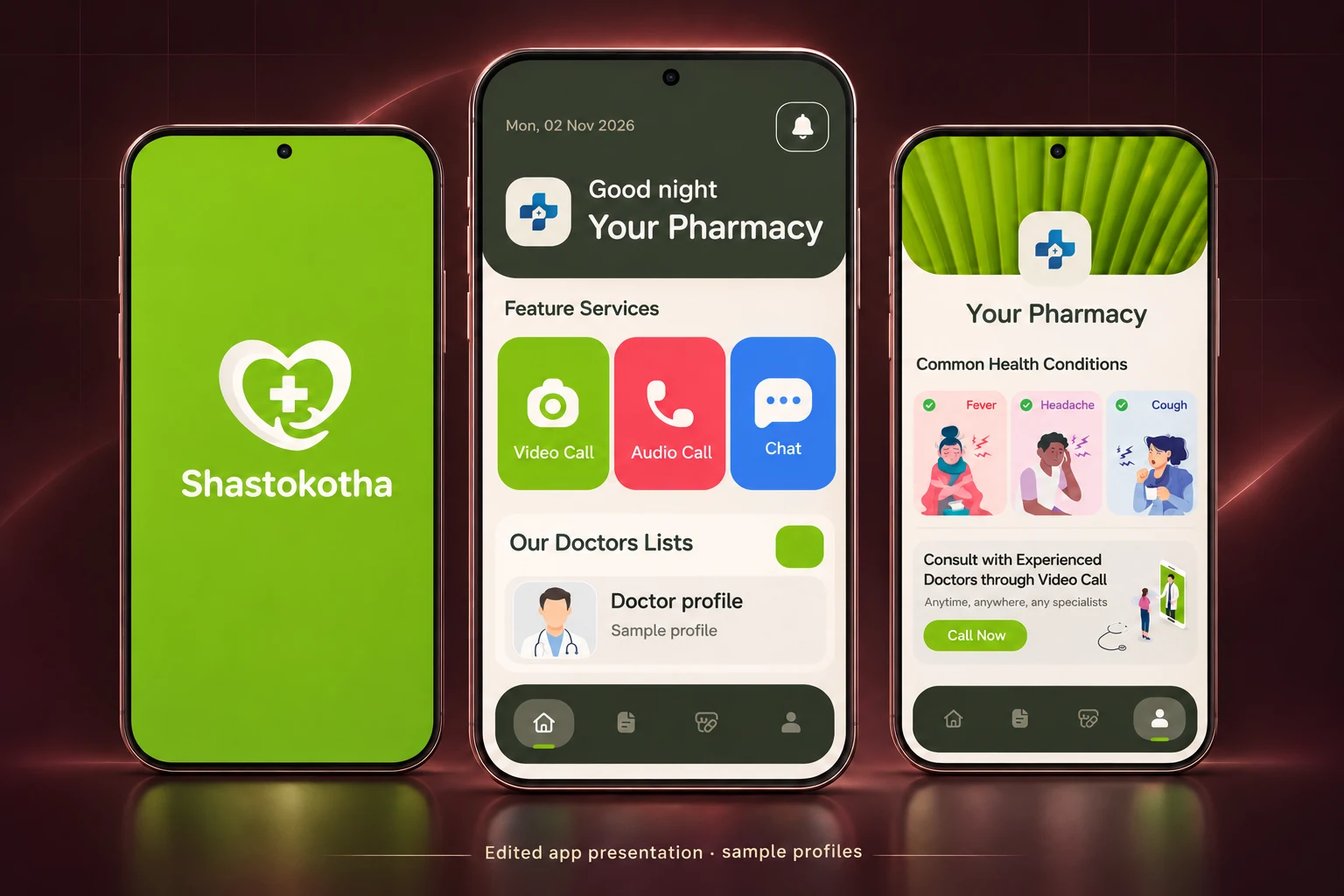
- 07CompletedShastokothaA mobile experience for remote healthcare access
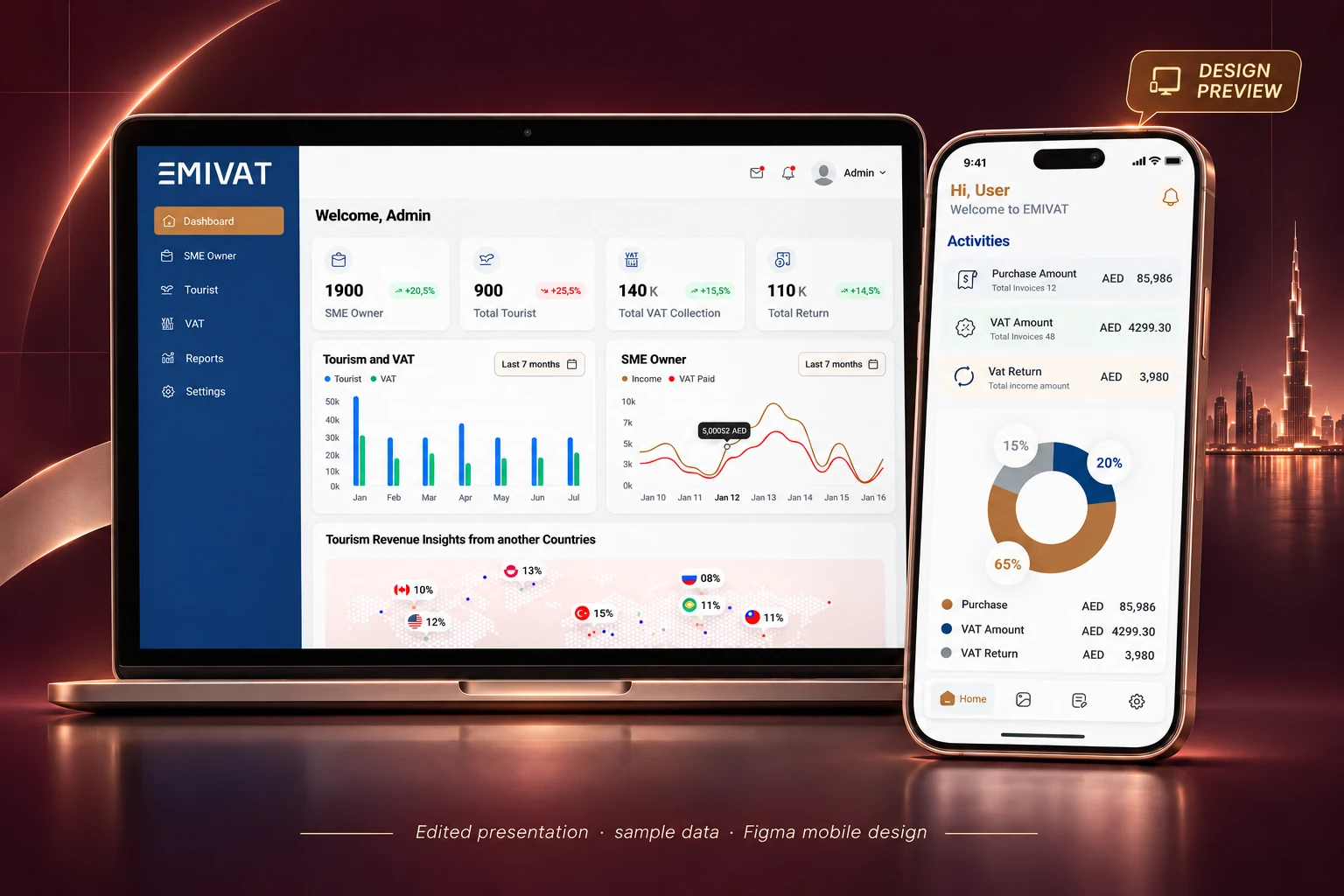
- 08Design previewEMIVATA connected dashboard and mobile interface for VAT workflows
Next step
Need an online store like this?
Tell me what you sell and how you sell it, and I'll suggest the simplest store that fits.